The Best Sleep Apps in 2026 (Free and Paid)
From sleep tracking to wind-down meditations to white noise and CBT-I: the sleep apps worth installing and what each one is actually best for.
We earn a commission if you buy through links on this page, at no extra cost to you. Picks are based on buyer reviews and specs; we don't test products ourselves. How we work
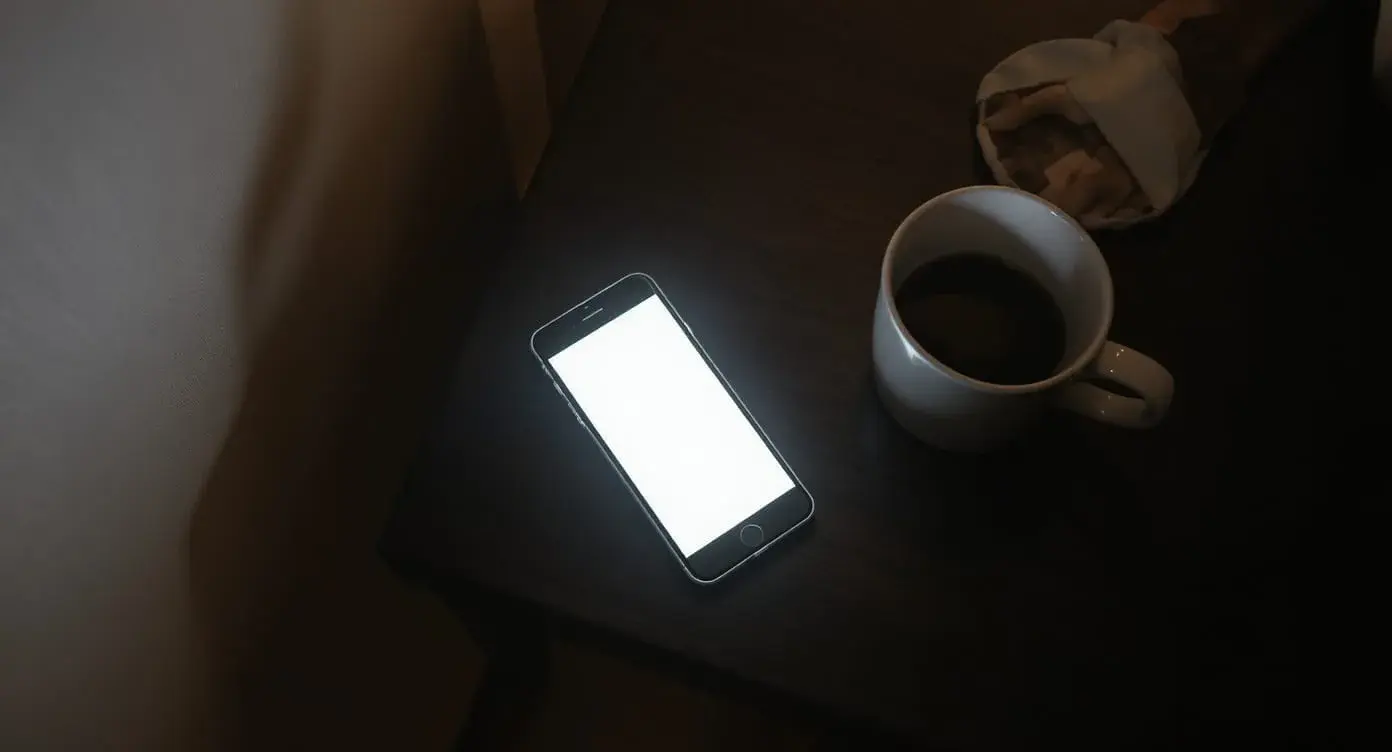
The sleep app market is enormous and confusing. Search "sleep app" in either store and you'll get a wall of results, ranging from useful tools backed by clinical research to repackaged white-noise loops with subscription paywalls. The good news: a small number of well-regarded apps cover most use cases, and a few are built on approaches sleep specialists already use.
This guide breaks the category into the four jobs apps actually do, and recommends one app for each based on published features, user feedback, and what each app does well versus where it falls short.
The four jobs sleep apps actually do
Most apps mix these together, but the categories are distinct:
- Sleep tracking — measuring how long and how well you sleep using your phone's microphone, accelerometer, or a connected wearable
- Wind-down content — meditations, sleep stories, breathing exercises, and ambient sounds to help you fall asleep
- White noise / soundscapes — background audio that masks environmental noise
- CBT-I (insomnia therapy) — structured digital programs that walk you through cognitive behavioral therapy for insomnia
Pick the app for the job, not the app with the most features.
1. Best for sleep tracking: AutoSleep (iOS)
AutoSleep is a one-time-purchase sleep tracking app that uses your Apple Watch (or iPhone alone in pinch mode) to track sleep without requiring a manual start. It has been a well-regarded iOS sleep tracker for years.
Why it wins:
- Automatic. No "I'm going to bed" button. It detects sleep onset from Apple Watch sensors.
- One-time purchase. Pay once, versus monthly subscriptions for many competitors.
- Detailed metrics. Sleep stages, heart rate, HRV, deep sleep, time in bed, awake time, sleep debt — all in clear visualizations.
- Apple Health integration. Data flows back into Health for use with other apps.
Trade-offs:
- iOS only (Android users should look at Sleep as Android instead)
- Best with an Apple Watch — phone-only mode is less accurate
Android equivalent: Sleep as Android — similar features, also a one-time purchase after a free trial.
2. Best for wind-down content: Calm or Headspace
This is essentially a tie between two well-funded competitors with similar quality. Both have:
- Hundreds of guided meditations and breathing exercises
- Sleep stories narrated by celebrities and well-known voices
- Background music and ambient sounds
- Sleep-specific programs and courses
Calm tends to win on sleep-focused content (more sleep stories, the famous Stephen Fry / Matthew McConaughey narrations) while Headspace wins on structured meditation programs and a slightly more clinical voice.
Pricing: Both are annual subscriptions in a similar price range, and both offer free trials.
Honest take: If you only want the sleep content, Calm. If you also want a meditation practice for daytime use, Headspace. If you can't decide, take advantage of the free trials on both before committing.
3. Best for white noise: Rain Rain or Dark Noise
Both apps deliver high-quality looping ambient sound without the subscription fatigue of larger meditation apps.
Rain Rain (free with optional one-time purchases): Hundreds of rain, thunder, fireplace, and nature sound variations. Mix sounds, set timers, and run in the background. The free version is usable on its own.
Dark Noise (one-time purchase, iOS): Cleaner interface, designed by a developer who prioritizes audio quality over content variety. Includes color noises (white, brown, pink) and textured environmental sounds.
Why use a dedicated app vs. a sound machine?
- Apps are free or one-time purchase — cheaper than a dedicated machine
- More variety than any single hardware machine
- Travel-friendly (you already have your phone)
Why a sound machine still wins for nightly use:
- Doesn't require keeping your phone in the bedroom
- Doesn't drain phone battery
- A dedicated speaker sounds richer than phone audio
For most people, the right answer is: use an app for travel, and a hardware sound machine like the Yogasleep Dohm for nightly home use.
4. Best for CBT-I (insomnia treatment): CBT-i Coach (free, VA)
This is the most under-utilized app in the entire sleep app category. CBT-i Coach is a free app developed by the U.S. Department of Veterans Affairs based on clinically-validated CBT-I protocols. It guides you through:
- Sleep diary tracking
- Sleep restriction therapy (one of the most effective components of CBT-I)
- Stimulus control techniques
- Cognitive restructuring exercises
- Relaxation training
Why it's special:
- Free and ad-free. Funded by the VA, not a private company.
- Evidence-based. Built on CBT-I, the gold-standard treatment for insomnia.
- Designed for self-guided or therapist-supervised use. You can use it alone or alongside professional treatment.
Trade-offs:
- The interface is utilitarian, not polished. This is a clinical tool, not a lifestyle app.
- Requires effort. Like all CBT-I, the techniques work because you do them — not because you open the app.
If you have chronic insomnia and you're considering paying a hefty monthly fee for a sleep coaching app, try CBT-i Coach first. It costs nothing, is built on the same evidence-based CBT-I techniques, and may be all you need.
If insomnia has lasted more than about three months, or comes with loud snoring, gasping, low mood, or heavy daytime sleepiness, talk to a doctor as well. A clinician can check for conditions like sleep apnea or depression and point you to clinician-guided CBT-I.
Paid CBT-I alternatives (when you want hand-holding):
- Sleepio (paid; available by prescription in the US): Highly polished CBT-I program, recommended by NICE for insomnia in the UK
- Somryst (prescription only, US): FDA-authorized digital therapeutic for chronic insomnia; availability has been uneven since its original developer, Pear Therapeutics, went bankrupt in 2023
Apps to avoid (or use with caution)
Apps that promise to "score" your sleep and make you feel guilty
A daily score that fluctuates based on noisy wearable data is one of the most reliable producers of orthosomnia — sleep-tracking-induced anxiety. If watching your score is making you stressed about sleep, hide it or use the app for trends only. See our sleep tracker roundup for more on this.
Apps that gate basic functionality behind subscriptions
The sleep app category has an unhealthy obsession with subscription monetization. If you can't see total sleep time without paying, the app isn't worth it — that's a basic feature that should be free.
Brain entrainment / binaural beats apps
The published evidence for binaural beats improving sleep is weak. Some users report benefit; the placebo effect is plausible. Don't pay much for them.
Frequently asked
Do I need a sleep app if I have an Oura ring or Whoop?+
Can a phone-only app accurately track my sleep?+
Should I pay for Calm or Headspace?+
Are sleep apps safe to keep next to me at night?+
Will these apps work offline?+
Where to go next
- Best sleep trackers without a subscription
- Best sunrise alarm clocks
- Sleep and anxiety guide (CBT-I context)
- Yogasleep Dohm review (hardware white noise)
- Take the Sleep Edge Quiz
Related findings.
 Edge Pick
The Best Sleep Trackers Without a Subscription in 2026
Many popular sleep trackers lock their best data behind a monthly fee. Here are five trackers that include core sleep data with no subscription.
 Buyer Report
Fitbit Charge 6 Review: The Best No-Subscription Sleep Tracker
A detailed review of the Fitbit Charge 6: sleep tracking accuracy, free vs. Premium tiers, battery life, and how it stacks up against Oura and Apple Watch.
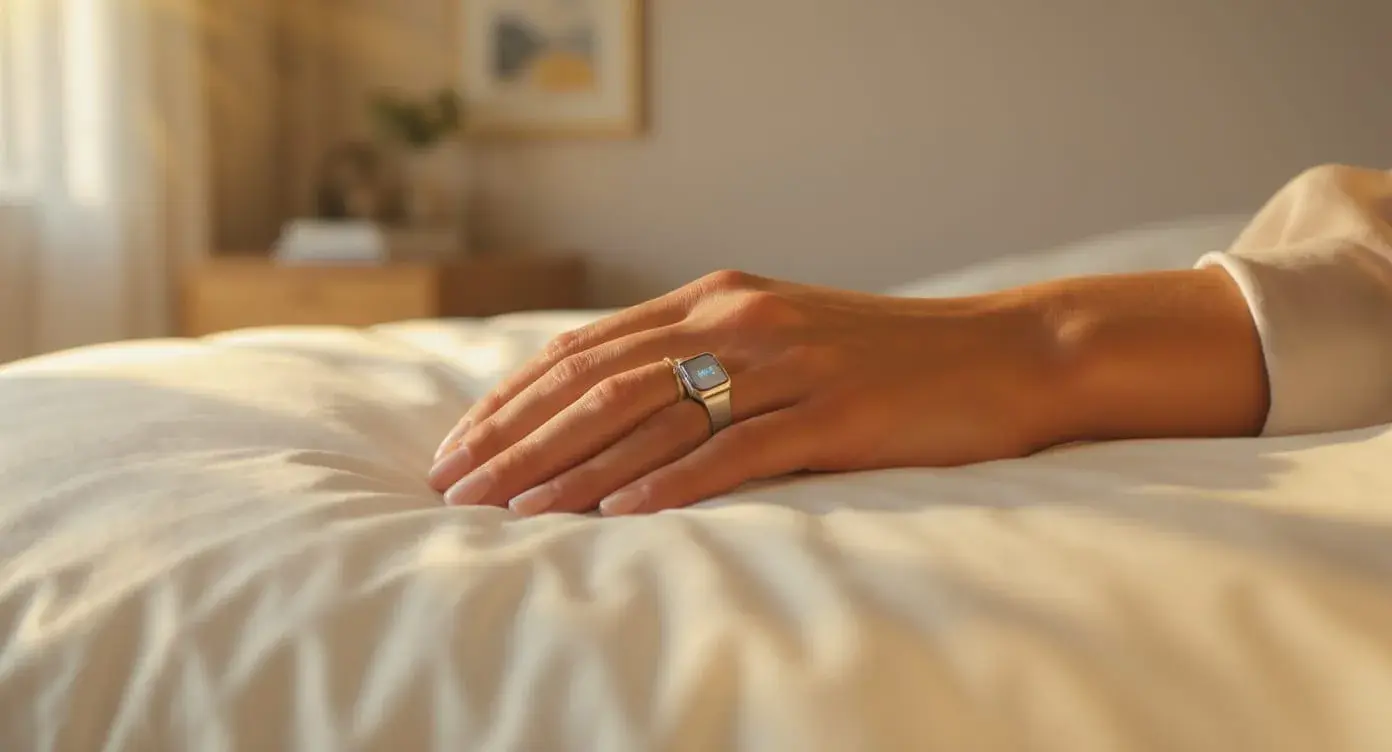 Buyer Report
Oura Ring Gen 3 Review: What the Data Actually Tells You
A detailed review of the Oura Ring Gen 3: the validation data, the subscription, what Oura Ring 4 changed, and whether ring sleep tracking is worth it.